Download LittlePup
Free forever. No account. No subscription.
macOS 14.6+ · Apple Silicon & Intel · Windows 10/11
⚠️ Please read for Mac
How to open LittlePup for the first time
macOS will block LittlePup the first time you open it because we don't pay for Apple's $99/year developer certificate. The app is completely safe — just follow these three steps once.
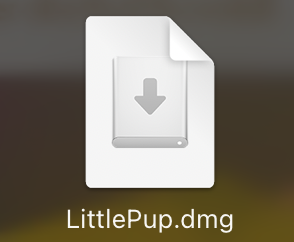
Open the DMG
Double-click the LittlePup.dmg file you just downloaded. A window will appear — drag the LittlePup icon into the Applications folder shortcut to install.
Open Privacy & Security settings
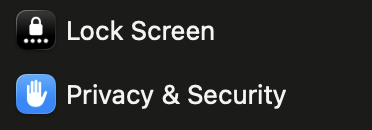
Open System Settings, then go to Privacy & Security in the sidebar.
Click "Open Anyway"
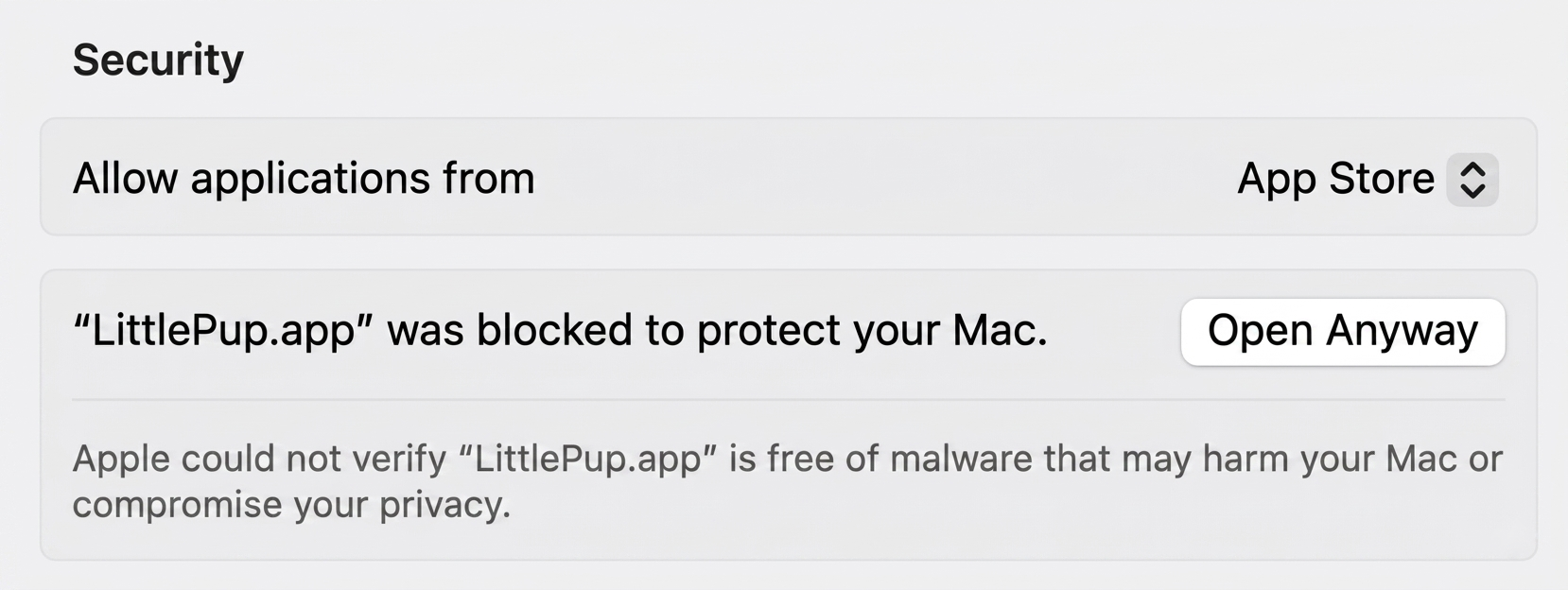
Scroll down to the Security section, find the message about LittlePup, and click Open Anyway. That's it! It opens normally from now on.
⚠️ Please read for Windows
How to open LittlePup for the first time
Windows SmartScreen will warn you the first time you run LittlePup because we're open source and don't have a paid Windows code-signing certificate. The app is completely safe — just follow these three steps once.
Run the .exe file
Double-click the LittlePup.exe file you just downloaded. Windows SmartScreen may appear — this is expected for open-source apps without a paid certificate.
Click "More info"
On the SmartScreen warning, click "More info" to reveal additional options at the bottom of the dialog.
Click "Run anyway"
Click "Run anyway" to launch LittlePup. You'll only see this warning once — it opens normally from now on.
Why do I need to do this?
Apple and Microsoft both charge for developer certificates that skip these warnings. LittlePup is free and open source, so we don't buy one. The app contains no malware — you can read and verify every line of the source code yourself on GitHub. View source on GitHub →
Having trouble? Open an issue on GitHub and we'll help.